Food Hunt Levels Walkthrough
Find your Food Hunt level below, compare the picture with your board, and open its color-by-color solution. This index covers 100 popular levels with a starting screenshot, an explanation of the difficult parts, and a video. The goal in every picture is to clear its pixels while keeping enough room for the next useful ant box.
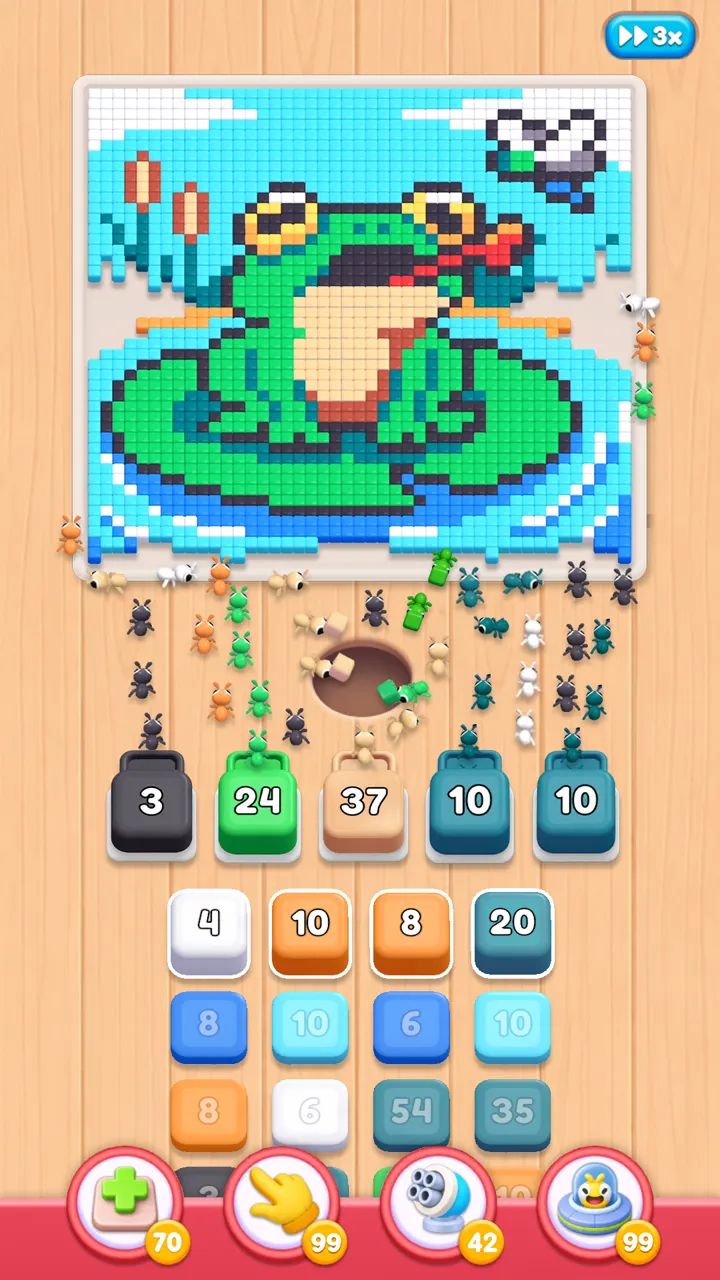
A color can be correct for the picture and still be a poor choice right now. If its pixels sit behind another layer, that box waits in a slot instead of finishing. The sections after the index explain how to read those waits, what the named boosters do, and how obstacles change the next move. New to the game? The Food Hunt game guide gives a shorter introduction.
Level Walkthroughs
The cards list every level currently covered here. Choose the number shown in your game, then check the artwork before following any sequence. A guide's opening picture is as important as its number: it lets you recognize the scene and see which slots or queue columns are restricted. Each page explains its own start, slower boxes, finishing colors, and complete video clear.
-
 Level 76
fox on flowered hill
-
 Level 100
pharaoh cat in headdress
-
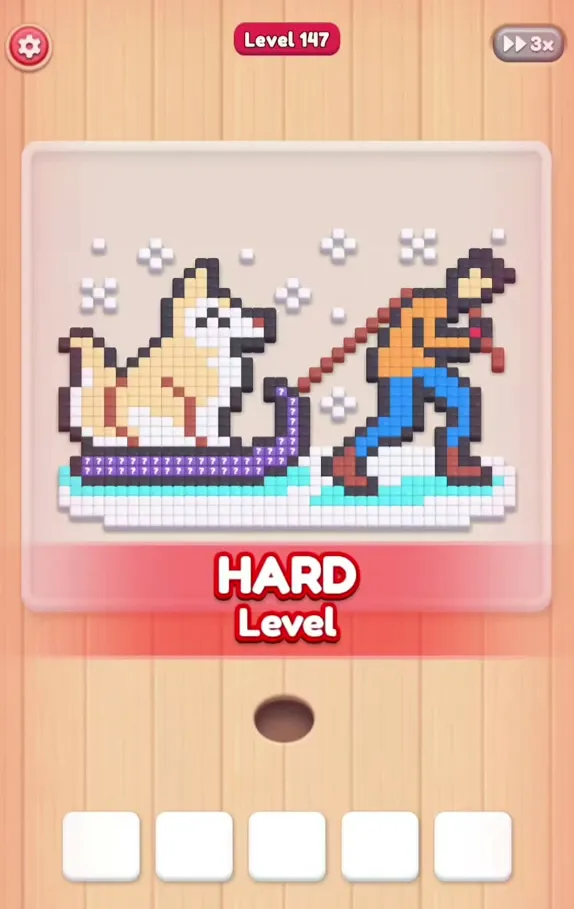 Level 147
dog riding a sled
-
 Level 160
round rainbow with white clouds
-
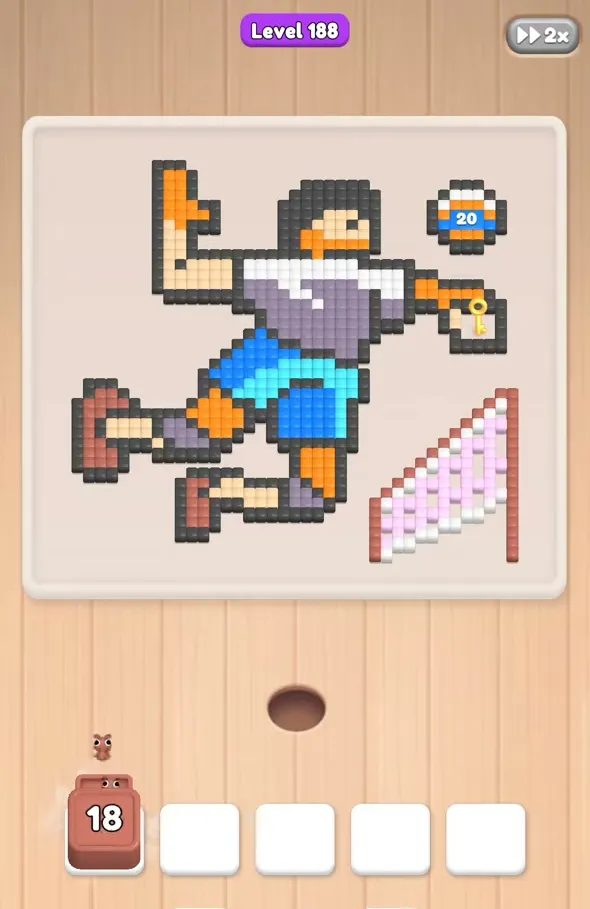 Level 188
soccer player kicking a ball
-
 Level 200
woodcutter on green clearing
-
 Level 216
anglerfish with striped background
-
 Level 224
melting snowman at beach
-
 Level 228
scarecrow crow and pumpkin
-
 Level 236
smiling tooth fairy with wings
-
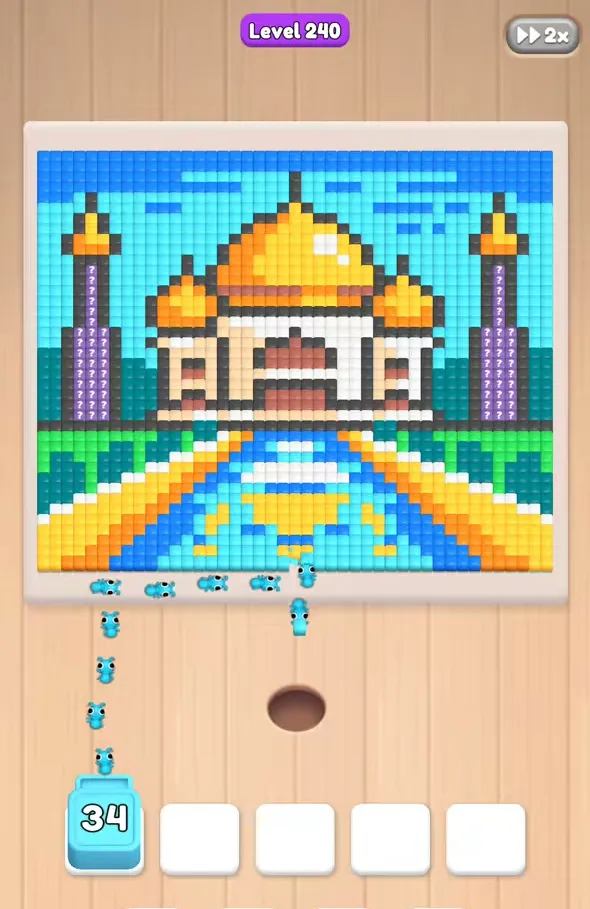 Level 240
palace with golden domes
-
 Level 261
seagull on prohibition sign
-
 Level 277
carrot with green leaves
-
 Level 297
autumn tree beside a streetlamp
-
 Level 305
white cat on the runway
-
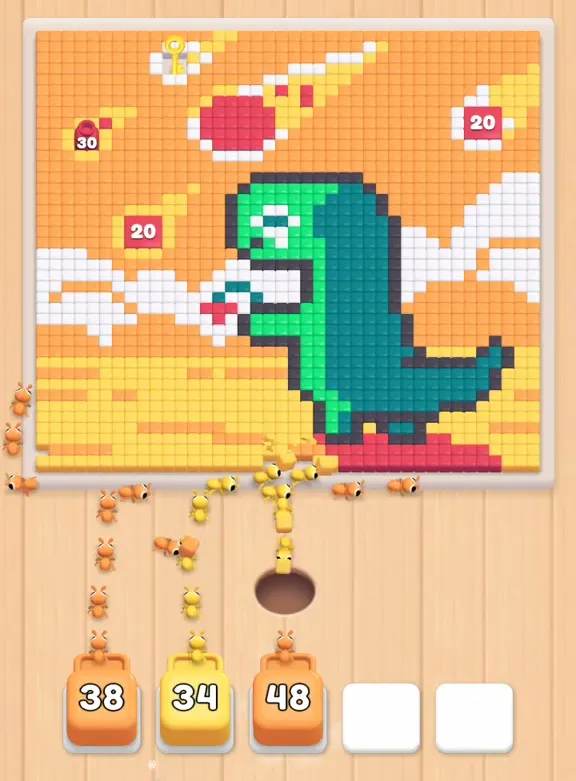 Level 317
dinosaur watching a meteor
-
 Level 321
flowers in a green jug
-
 Level 333
white unicorn on green islands
-
 Level 345
tilted house in a fire
-
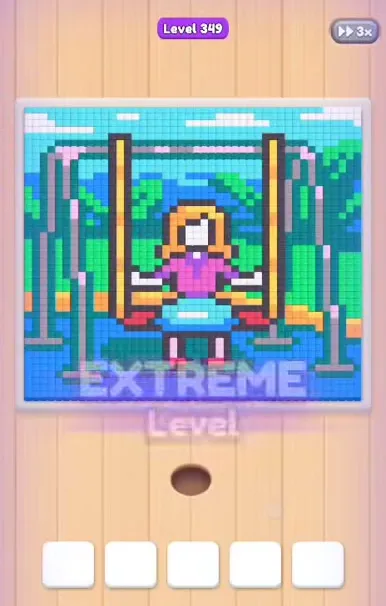 Level 349
girl on a tree swing
-
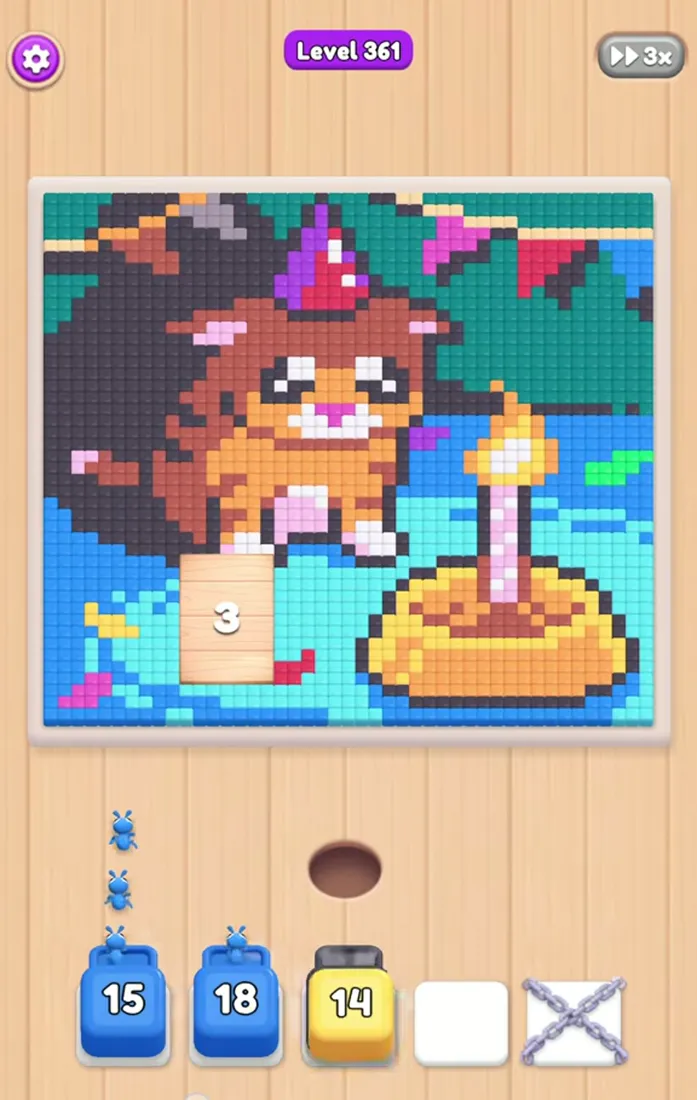 Level 361
birthday animal beside a candle
-
 Level 369
blue watering can with flowers
-
 Level 373
blue bird feeding its chick
-
 Level 385
tightrope walker with black birds
-
 Level 401
angry mushroom explosion cloud
-
 Level 413
caped gull beside the sea
-
 Level 417
girl beneath a green umbrella
-
 Level 425
pink pig on grass
-
 Level 429
dog in bubble bath
-
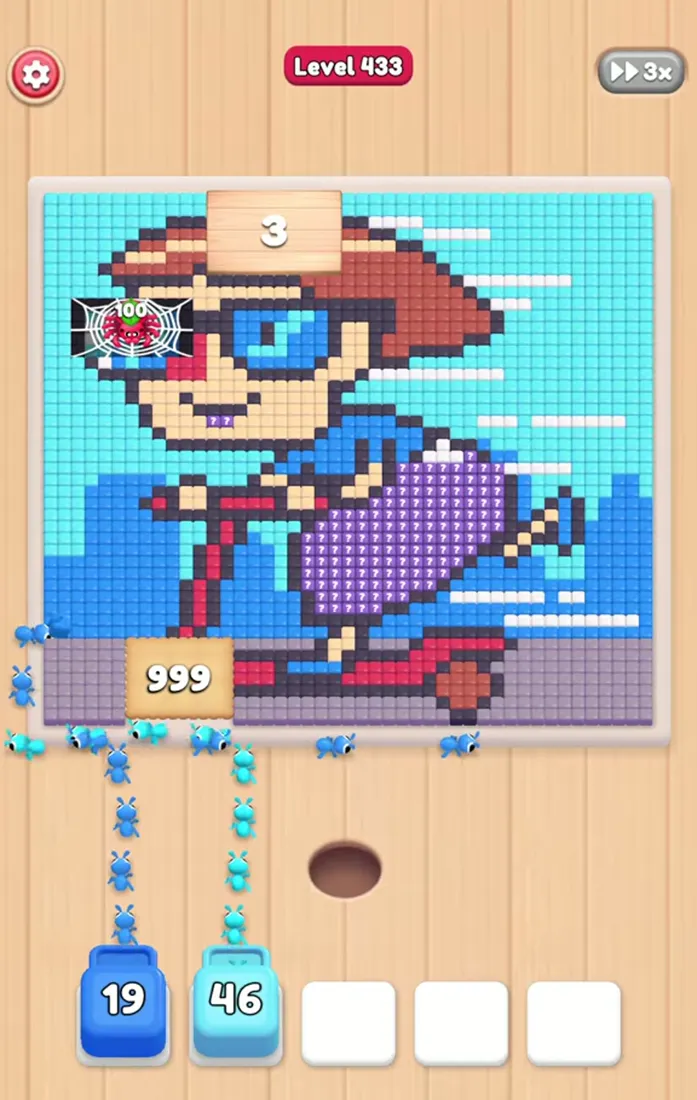 Level 433
rider on red scooter
-
 Level 441
black cat watching the moon
-
 Level 445
fish flags above snowy mountain
-
 Level 453
dragon around a blue five
-
 Level 461
sunflower frog with pink lollipop
-
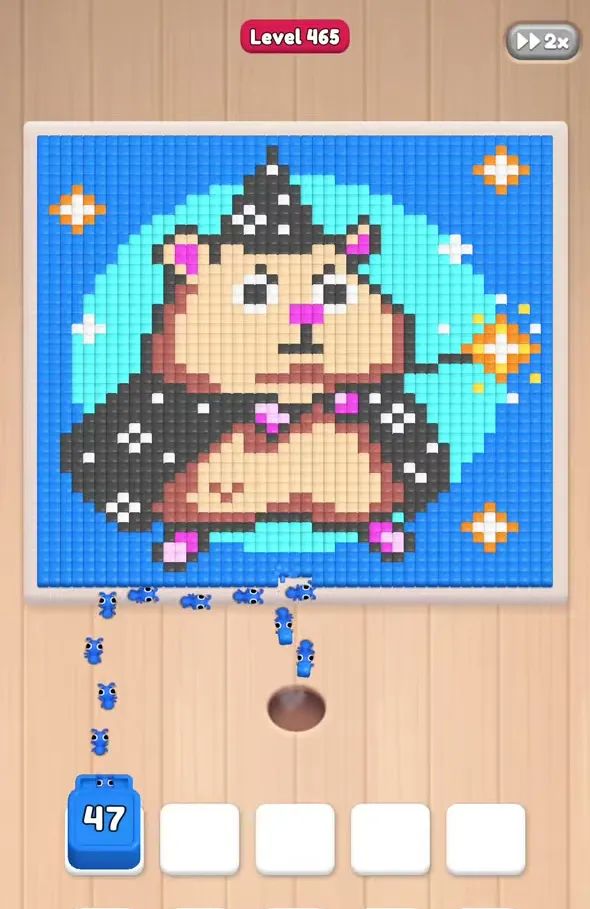 Level 465
wizard hamster with magic wand
-
 Level 477
girl on a pink cloud
-
 Level 481
cow with a milk bottle
-
 Level 493
diamond ring in jewelry box
-
 Level 509
girl holding a green umbrella
-
 Level 521
farmhouse bridge and flowers
-
 Level 533
witch snail above city
-
 Level 537
striped cat by bowl
-
 Level 545
colorful creature on beach
-
 Level 557
person beside a brown bear
-
 Level 577
chihuahua wearing a pink bandana
-
 Level 589
guitarist in an orange desert
-
 Level 601
canoe below the grey cliffs
-
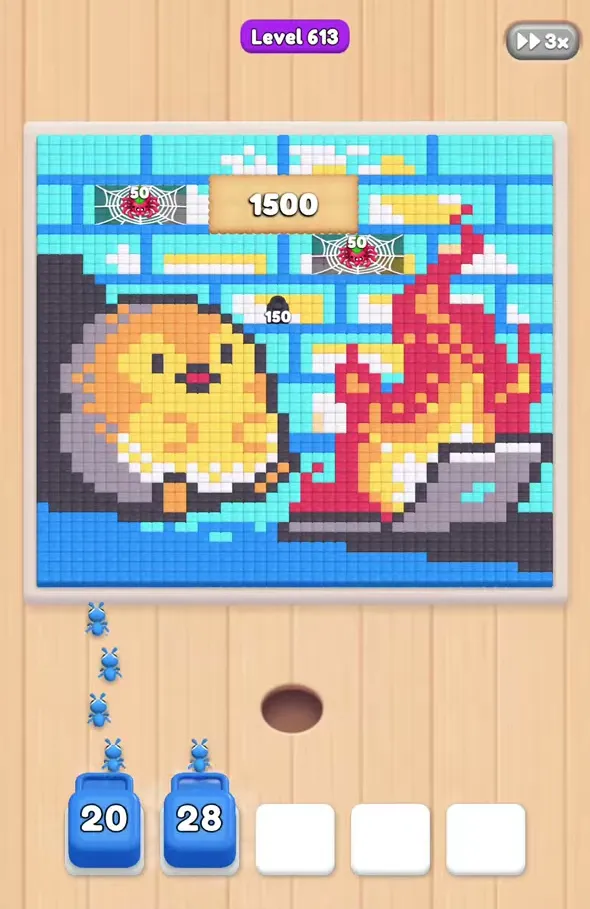 Level 613
yellow chick beside a campfire
-
 Level 617
wizard in purple robes
-
 Level 621
lizard biting an orange
-
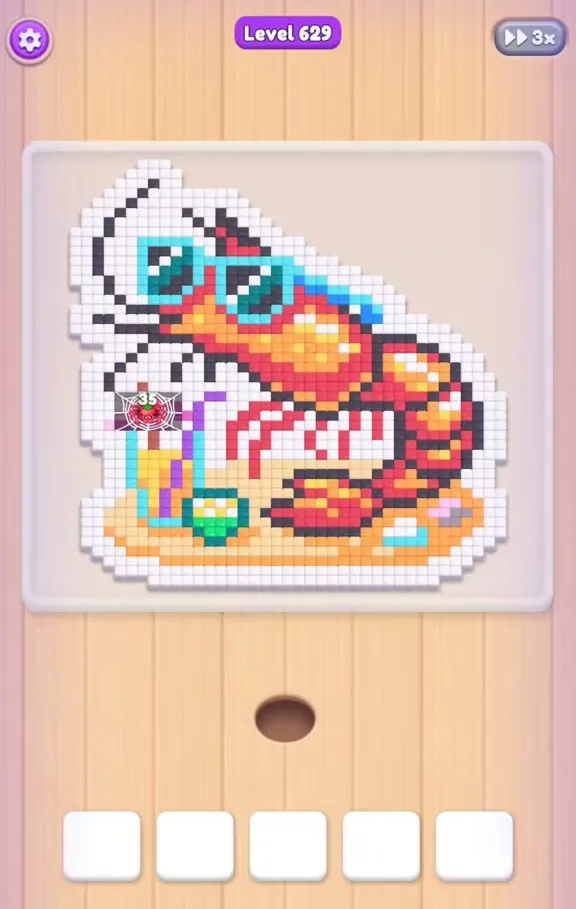 Level 629
shrimp in blue sunglasses
-
 Level 653
green crocodile in chef hat
-
 Level 661
masked raccoon beside diamond
-
 Level 669
blonde princess with pink flowers
-
 Level 673
running traveler with shoulder bag
-
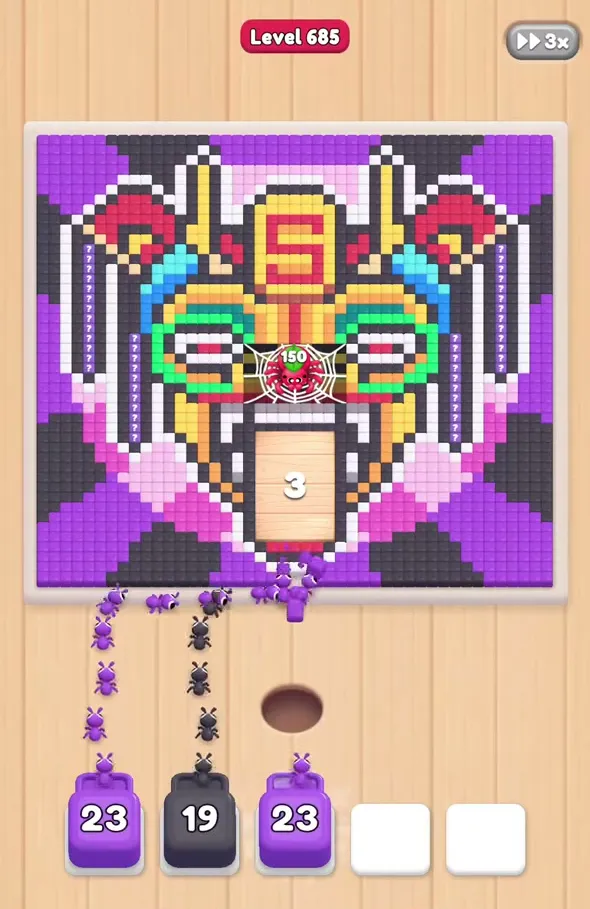 Level 685
patterned mask with spider
-
 Level 693
girl in a pink dress
-
 Level 701
boy hugging a lion
-
 Level 705
man in avocado costume
-
 Level 709
robin with blue eggs
-
 Level 713
hooded figure with scythe
-
 Level 721
cat beside crowned lion
-
 Level 729
sleeping cat over book
-
 Level 733
girl with crab claws
-
 Level 745
duckling in yellow raincoat
-
 Level 753
man on bathroom scales
-
 Level 761
pink snail on a yellow moon
-
 Level 773
white castle with red flags
-
 Level 799
laughing girl in blue jacket
-
 Level 813
pink hippo in foamy bathtub
-
 Level 829
red apple among yellow bananas
-
 Level 833
orange tower above pink clouds
-
 Level 837
hooded rabbit holding a cup
-
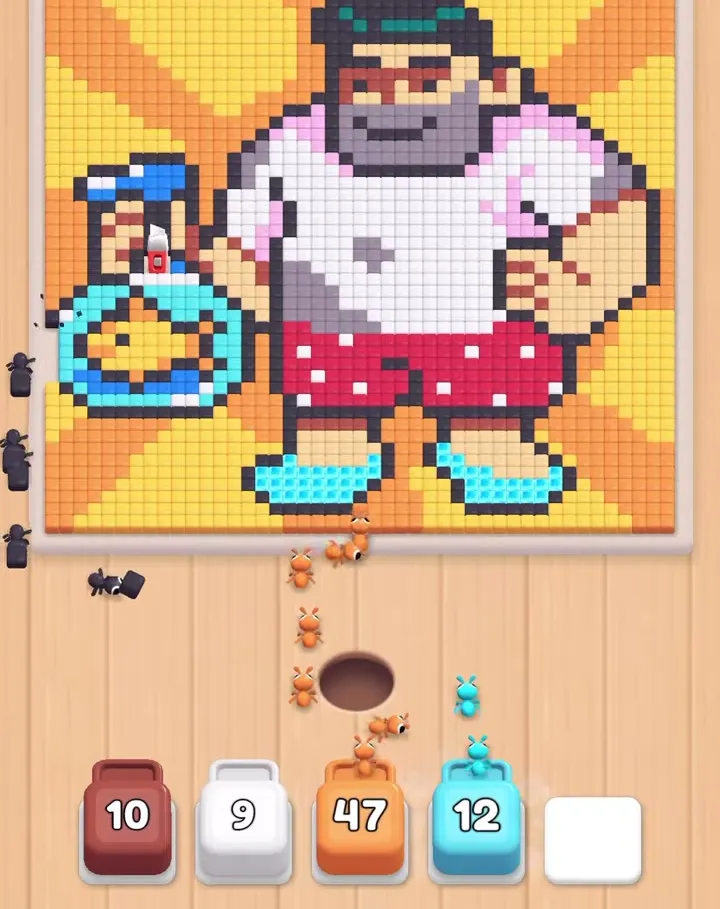 Level 841
man holding bag with goldfish
-
 Level 849
mermaid and swimmer in water
-
 Level 861
dancing frog in yellow cap
-
 Level 877
person resting with a drink
-
 Level 889
crescent face in starry sky
-
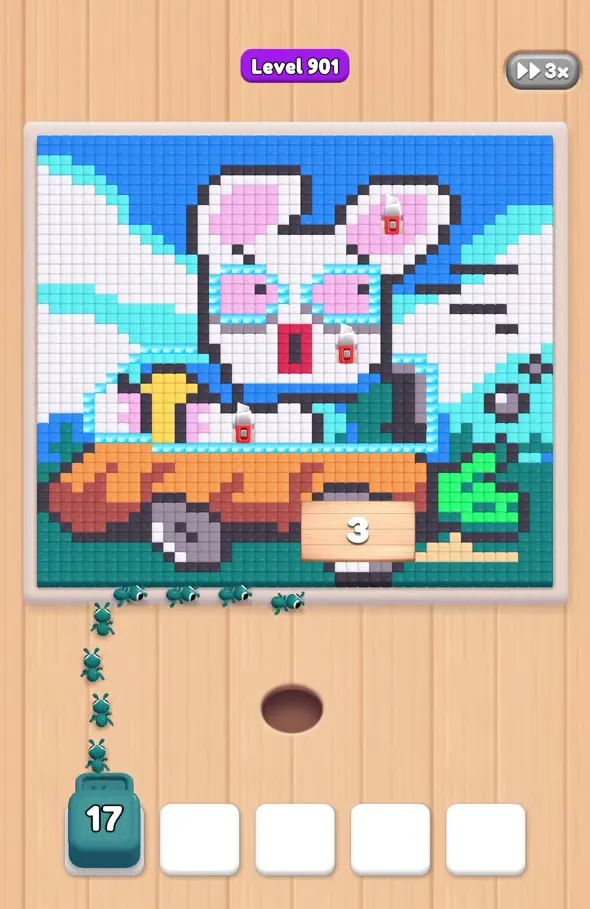 Level 901
rabbit driving a carrot car
-
 Level 905
white cockatoo playing a violin
-
 Level 908
toy collection on black board
-
 Level 911
sad green apple in bowl
-
 Level 917
man in pink holding fish
-
 Level 921
orange cat using a phone
-
 Level 933
reader among grinning green faces
-
 Level 941
seagull on orange cat
-
 Level 949
three colorful thread spools
-
 Level 957
blue shark above colorful reef
-
 Level 969
mouse on green crocodile
-
 Level 1007
sleeping capybara under blanket
-
 Level 1009
cereal bowl and milk
-
 Level 1021
masked robber with money bag
-
 Level 1027
glass slipper on cushion
-
 Level 1029
red faced monkey in water
-
 Level 1031
mango in sunglasses on counter
-
 Level 1033
sleeping orange cat by window
-
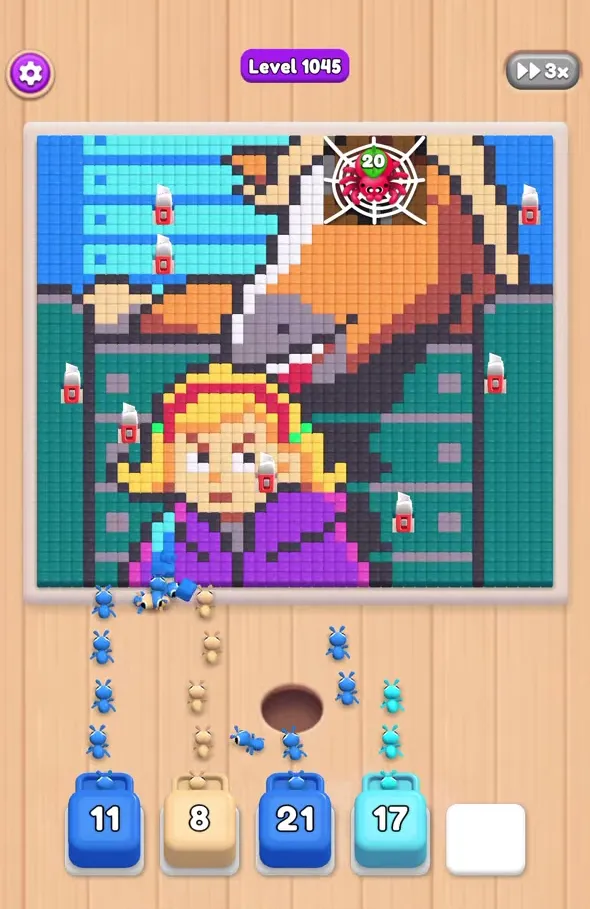 Level 1045
girl and horse in stable
-
 Level 1049
tabby cat beside the water
-
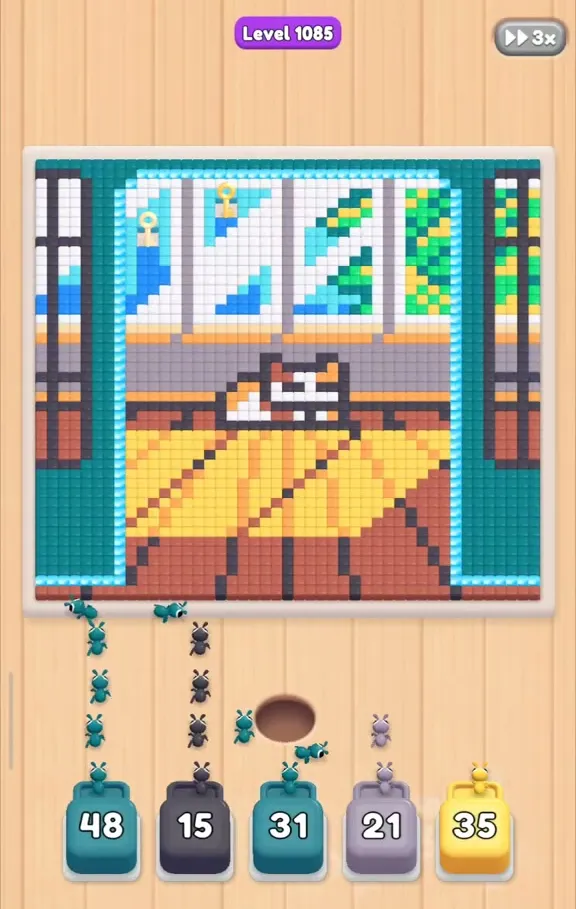 Level 1085
three pictures: cat, apple, bench
-
 Level 1165
red pagoda beneath cloudy sky
There is no need to read the whole catalog in order. For an early example, try level 76, whose fox stands above a green, flower-covered hill. For a more restrictive start, level 721 keeps the fifth position chained until pink opens it. These are separate solutions, so carry over the planning idea rather than copying one picture's color sequence into another.
How the Level Screen Works
The pixel picture fills the upper part of the screen. Below it are the ant nest, the working slots, and a queue of numbered colored boxes. Select an available box at the front and it moves into an open slot. Its ants work on reachable pixels of the matching color. As that work progresses, the number falls; a completed box leaves its position available for another selection.
Five slot positions appear on the board, but some levels start with one blocked. A chain is a real restriction, so count usable spaces before planning an opening. The instruction for chained slots is to find pliers. A particular walkthrough can identify the color that exposes the needed route, without making that color a universal key for every other level.
Read the queue as a source of future choices, not a list of colors that must all be activated immediately. A Hidden Box reveals its color upon reaching the front row. Once a box is working, watch both its counter and the picture: a decreasing number means progress, while an unchanged number may mean that another color still covers its targets. Extra taps on the waiting box do not uncover those targets.
Speed Up makes the ants move faster; the instruction also allows holding a finger to speed them up. It does not change which pixels are accessible. Use normal speed while identifying an unfamiliar obstruction, then accelerate a section whose choices you already understand. The route matters more than the pace of the animation.
Boosters
The lower buttons provide help when ordinary choices leave too little room or a troublesome area remains. Use their official names when checking a walkthrough. The green plus, picking hand, blaster, and UFO represent different actions, so choosing one simply because a counter is available can waste help that would solve a different problem.
| Tool | What it does | What to check first |
|---|---|---|
| Add Slot | Unlocks one extra slot for more space. | Whether space is the immediate restriction. |
| Cherry Pick | Selects any box, including one behind the front row. | Which unavailable box you actually need. |
| Gun Blaster | Blasts a portion of the pixels. | Which part of the picture is stopping progress. |
| UFO | Clears matching pixels of a selected color. | The color you intend to remove. |
| Speed Up | Speeds up ant movement. | Whether the current ants have an open route. |
| Revive | Continues the attempt and opens three slots. | The continuation offer shown in your game. |
These descriptions do not promise a particular price, free allowance, or unlock schedule. Check the offer before confirming it. If the opening went wrong, reviewing your first few choices can be more useful than immediately using a booster. A restart gives you a chance to change the sequence that filled the slots.
Special Boxes and Obstacles
Food Hunt adds restrictions to both the artwork and the queue. Match the visible element to its instruction instead of treating every unusual tile as decoration. A spider on a web or a numbered wooden panel also helps identify the board you are viewing, but appearance alone does not explain its complete behavior.
| Element | Rule to follow |
|---|---|
| Big Pixel / Hidden Pixel | Big pixels require more ants. Hidden pixels show their color after the path clears. |
| Cookie Blocker / Wood Block | Clear pixels to break a cookie blocker; find hammers for wood blocks. |
| Ice pixel / Frozen Box | Fire Ants break ice pixels. Moving other boxes up gradually melts a Frozen Box. |
| Key & Lock / Wrapped Box | Collect keys for locks; collect a knife to cut a Wrapped Box. |
| Connect Box | Picking linked boxes moves them upward together. |
| Swap Box / Switch Box | Other picks switch the former's position and open or close the latter. |
| Curse Box / Auto Box | Send cursed boxes into the queue before they block the sides. An Auto Box enters automatically at the front. |
| Special Box / Pixel Crate | Special boxes combine two matching boxes. Match ant colors to destroy a Pixel Crate. |
| Beetle Box / Super Cave | Caves contain concealed pixels that need to be freed. |
| Lake / Vines / pipes | Ants go around water. Push a box into the queue to free Vines. Pipes contain boxes waiting to rise. |
| Apples / spiders | Matching ants bite apples to open the path. Soldier ants defeat spiders. |
Some pictures use maze corridors, colored arrows, and narrow approaches instead of a single broad image. The same access question still applies: can the selected ants reach the intended color? Look for the route opened by the next selection, and use the individual guide whenever a lock or special box changes what is selectable.
Tips for Difficult Levels
Start by checking three things: usable slots, accessible color areas, and the next available boxes. A large area can deserve an early start, but size alone is not enough. It still needs a route. Likewise, a dark outline is not automatically a final move. The examples below show why the board's actual layers take priority over a blanket rule.
- Level 100 has a brown box that pauses with five remaining. Its small counter does not mean it can finish before the covering colors disappear.
- Level 188 ends with orange still eating after the last peach selection. The last tap and the last disappearing pixel can belong to different colors.
- Level 200 includes an opening white box numbered seven. Delaying every small white detail would contradict that particular start.
- Level 216 has several blue body boxes that wait behind surrounding colors. Adding blue repeatedly does not remove its enclosing layers.
- Level 228 leaves beige at one for a long stretch. Plan around that occupied space while the crow's dark areas clear.
- Level 305 contains four linked pairs. Leave enough room for a paired arrival before selecting an unrelated box.
- Level 321 uses orange at fourteen to open the right queue column. An unlocking move can matter more than the biggest visible color patch.
- Level 761 holds yellow at sixty-three during the moon section. That long pause is part of the documented route, so compare the other working colors before deciding the attempt is stuck.
When a counter keeps changing, give the ants time. When it stays fixed, inspect the pixels around that color and look for a useful neighboring selection. Avoid filling your last free position with another enclosed color just to keep tapping. Preserve the space that lets the queue reach a box capable of opening the board.
Common Mistakes
Most failed runs in Food Hunt come from slots, not from the picture: boxes that cannot eat yet sit in every slot, and nothing is left for the color that would open the board. The mistakes below repeat across many levels, each with a level where you can see it happen.
| Mistake | What goes wrong | Where to see it |
|---|---|---|
| Placing walled-in colors early | The box waits with an unchanged counter and blocks a slot. | Level 445: seven of ten colors start enclosed, red included. |
| Two big boxes back to back | Both stay in their slots for a long time, and the row fills up. | Level 761: the charcoal 99 next to the parked yellow. |
| Restarting because a counter stopped | A paused box often finishes by itself once its neighbors are eaten. | Level 761: yellow waits at 63, white drops to 3 and pauses. |
| Saving one color for the very end | The last pixel is not always the last box, so a held color drags the finish. | Level 761: the last box is charcoal, the last pixel is pink. |
| Following steps for another picture | A number can show different pictures, each with its own order. | Level 1085: cat, apple and bench versions. |
| Using any booster that is available | Each booster fixes one problem: space, a buried box, pixels or one color. | See the Boosters table above. |
On boards with many enclosed colors, two or three working boxes at a time are usually enough. Keep the remaining slots free until a color with reachable pixels comes up in the front row, then use them for that box rather than for another one that will only wait.
The First Levels
The opening pictures introduce the same relationships on simpler boards. Use them to practice watching a box finish and release its slot. These tutorial examples are described here for orientation; the detailed linked catalog above begins with later selected levels rather than claiming to cover every number from the start.
| Level | Picture | What to notice |
|---|---|---|
| 1 | Orange popsicle with lemon | The introductory image and first ant-box clear. |
| 2 | White and orange cat | Gray work comes before orange in the opening lesson. |
| 3 | Gray and red image | The game introduces the speed control. |
| 4 | Avocado | The yellow center becomes reachable after its neighbors. |
| 6 | Foamy mug | The dark outline clears before the yellow and orange interior work. |
| 7 | Blue whale with a spout | The broad blue region gets an early start. |
| 8 | Toucan | Question-mark boxes appear in the queue. |
| 9 | Green turtle | The shell takes up most of the image. |
| 10 | Yellow spotted lizard | Several upcoming box colors are hidden. |
How Many Levels Are There?
No exact final level count is established. Food Hunt includes the milestones “Reach level 1000” and “Unlock at Level 1500,” which show that its progression extends well beyond the early boards. Those messages do not identify the last playable puzzle. This site's 100 walkthroughs are a selected reference library, not a claim that the game ends at one hundred.
Updates can add further challenges, so an old total should not be treated as permanent. Use the current in-game progression for the next playable number and this catalog for the numbers we have actually documented. For installation and update questions, see Download; for another puzzle with a related idea, visit Games Like Food Hunt.

Frequently Asked Questions
How do I solve a Food Hunt level?
Select reachable colors from the front, keep room for boxes that open new areas, and let completed boxes release their slots. Open the matching walkthrough for its specific order.
Is there a confirmed final level number?
No. The game mentions milestones at levels 1000 and 1500, but neither message gives an exact total. The index here contains 100 selected walkthroughs.
What should I do with a box that stops counting down?
Look for a covering color or blocked route. Use another available selection to uncover that area, while keeping space for the useful boxes still in the queue.
How should I approach a particularly hard board?
Compare its first screenshot, count available positions, and identify the long waits described in the guide. Watch the video at those transitions rather than tapping every visible color.
Where should a beginner start?
Practice on the opening tutorial pictures. Notice how the avocado center stays covered and how a finished box returns its slot before trying the later catalog examples.
What help do the boosters provide?
Add Slot creates space, Cherry Pick reaches a box behind the front, Gun Blaster removes some pixels, and UFO clears the selected matching color. Speed Up changes ant speed; Revive opens three slots when continuing.
Do spiders and wooden pieces have a purpose?
Yes. Soldier ants handle spiders, while hammers break Wood Blocks. Match the obstacle to its instruction and use the picture to confirm that your board matches the guide.